Vendor evaluation, end to end
Your whole vendor selection,
in one place
Write the RFP, invite vendors, field their questions, and compare every response side by side — instead of running it across email, Word, and a spreadsheet.
Built for teams buying software, agencies and services without a dedicated procurement function.
29 buying categories
Software, agencies, BPO and professional services
Built by TJ Stein
17 years scaling CX and support operations, and buying the vendors behind them
About 10 minutes
From one sentence to a draft you can edit
No card required
The draft is free. You pay $99 when you send it to vendors
Your draft isn't public or search-indexed, no vendor sees anything until you invite them, and your RFP data isn't used to train AI models.
Why the usual way fails
How vendor decisions actually go wrong
It's rarely the document. It's what happens after you send it. Six proposals arrive over three weeks in six different formats. One vendor asks a clarifying question and gets an answer the others never see. Someone builds a comparison spreadsheet that three people disagree with. By the decision meeting, you're choosing between a demo you liked and a quote you can't fully reconcile — and you're the one who has to explain the choice.
Know what good looks like
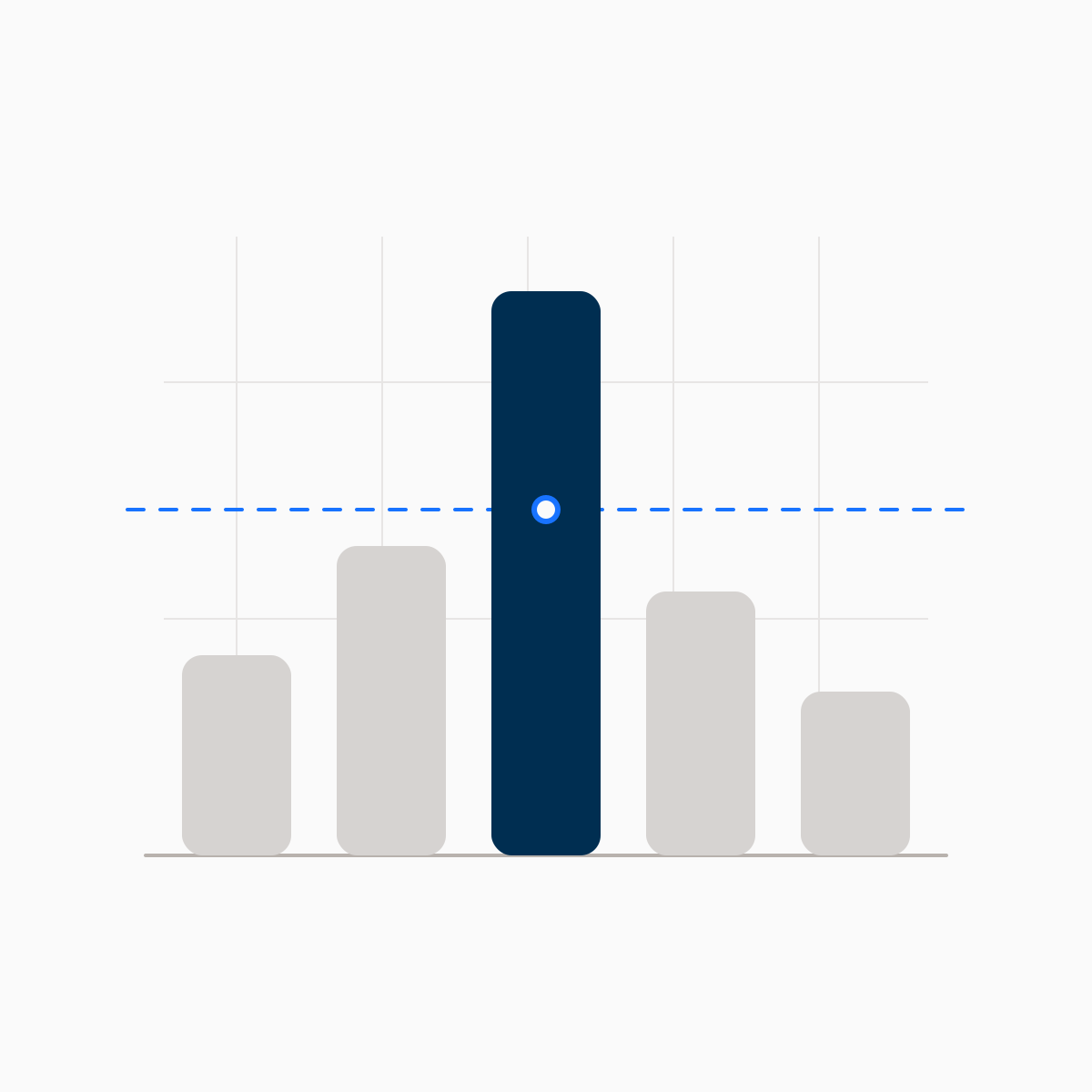
Every section comes with category-specific benchmarks: typical SLA targets, pricing ranges, contract red flags, and negotiation leverage points that consultants would charge thousands to share.
Vendors actually want to respond
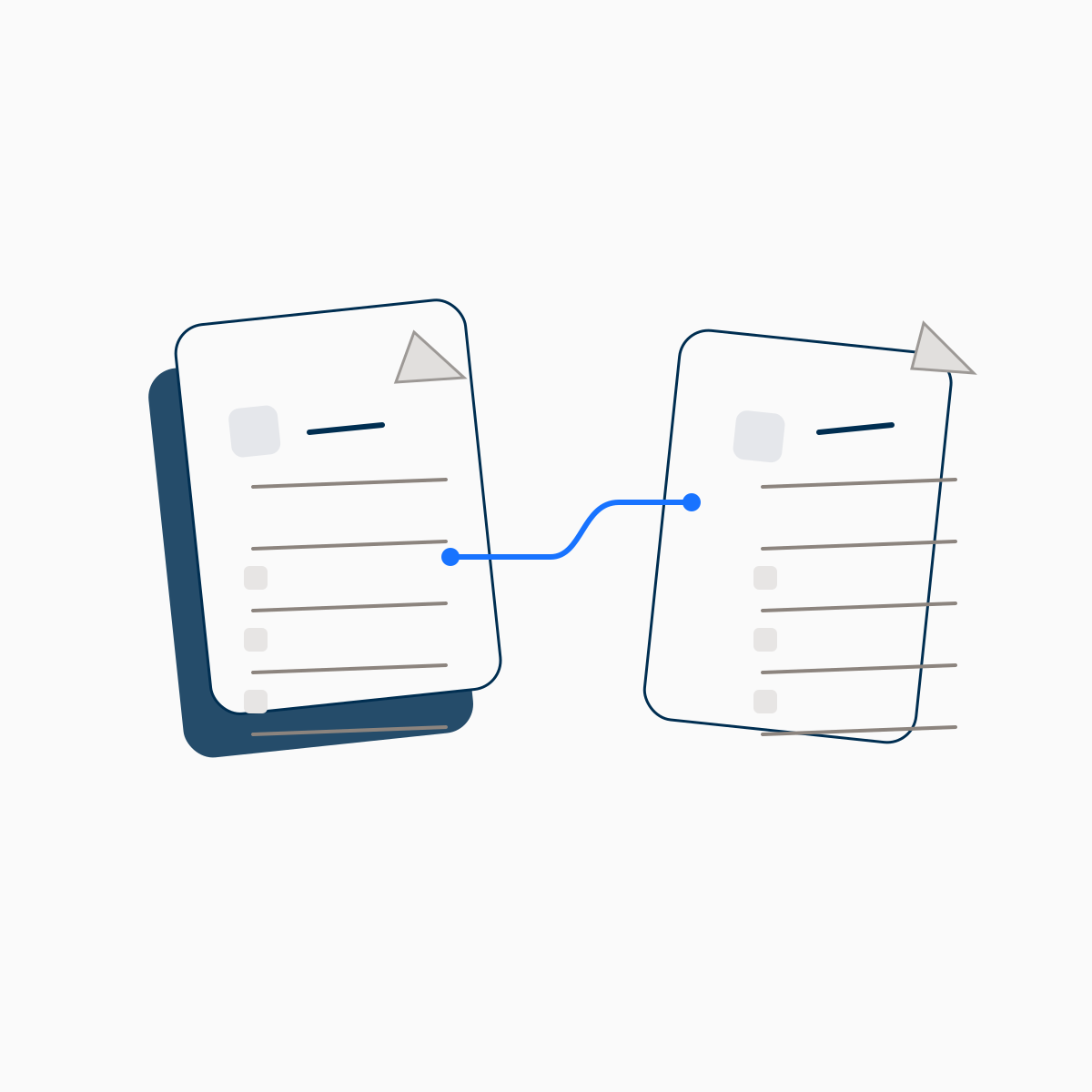
A frustrating response process means weaker proposals. Your vendors get a clean, structured portal with auto-save, progress tracking, and deadline visibility. No account or login required.
See the vendor experience→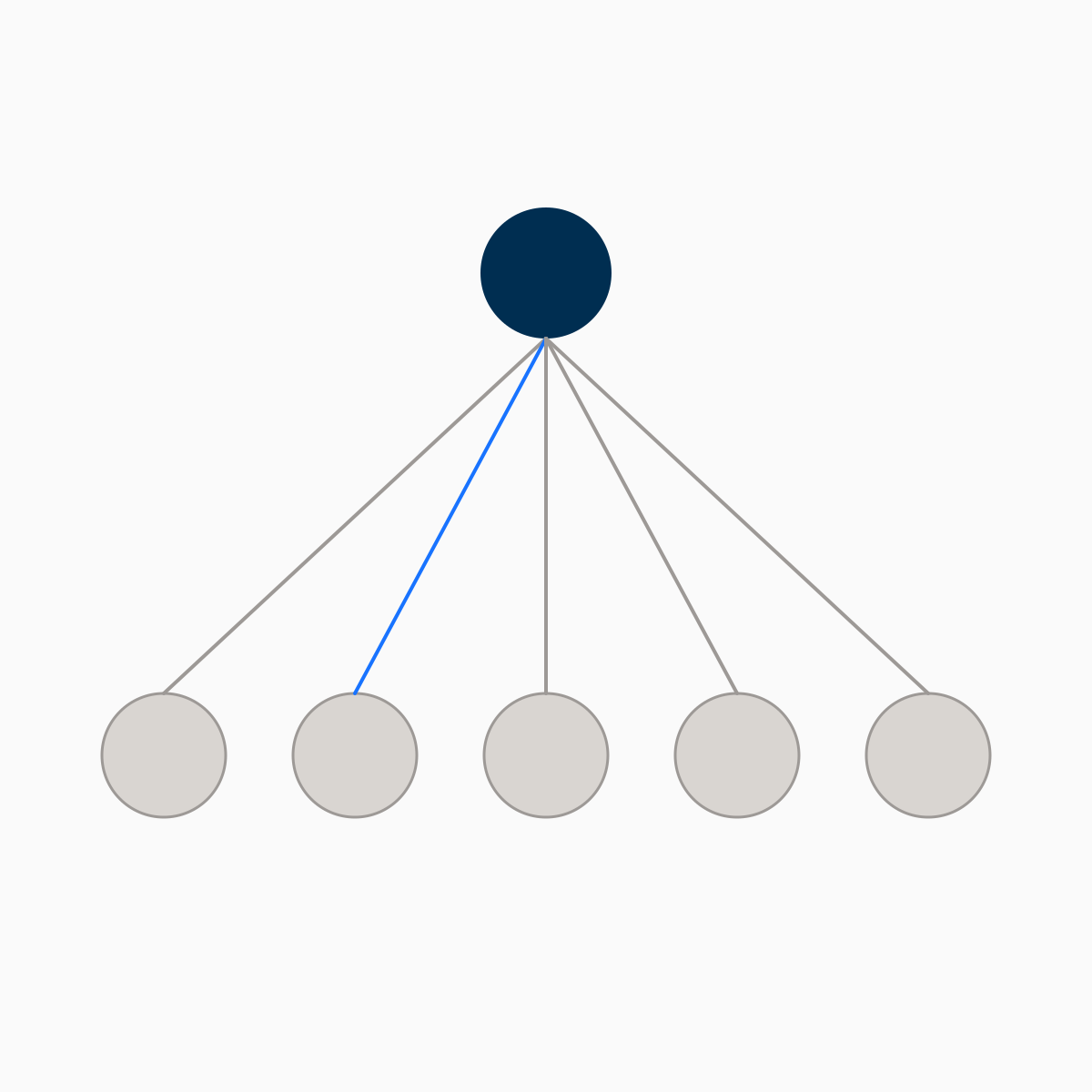
Ask once, answer everyone
When vendors have questions, you answer once and every vendor sees it. Responses are anonymized so vendors can't see who asked, which keeps the playing field level.
Compare apples to apples
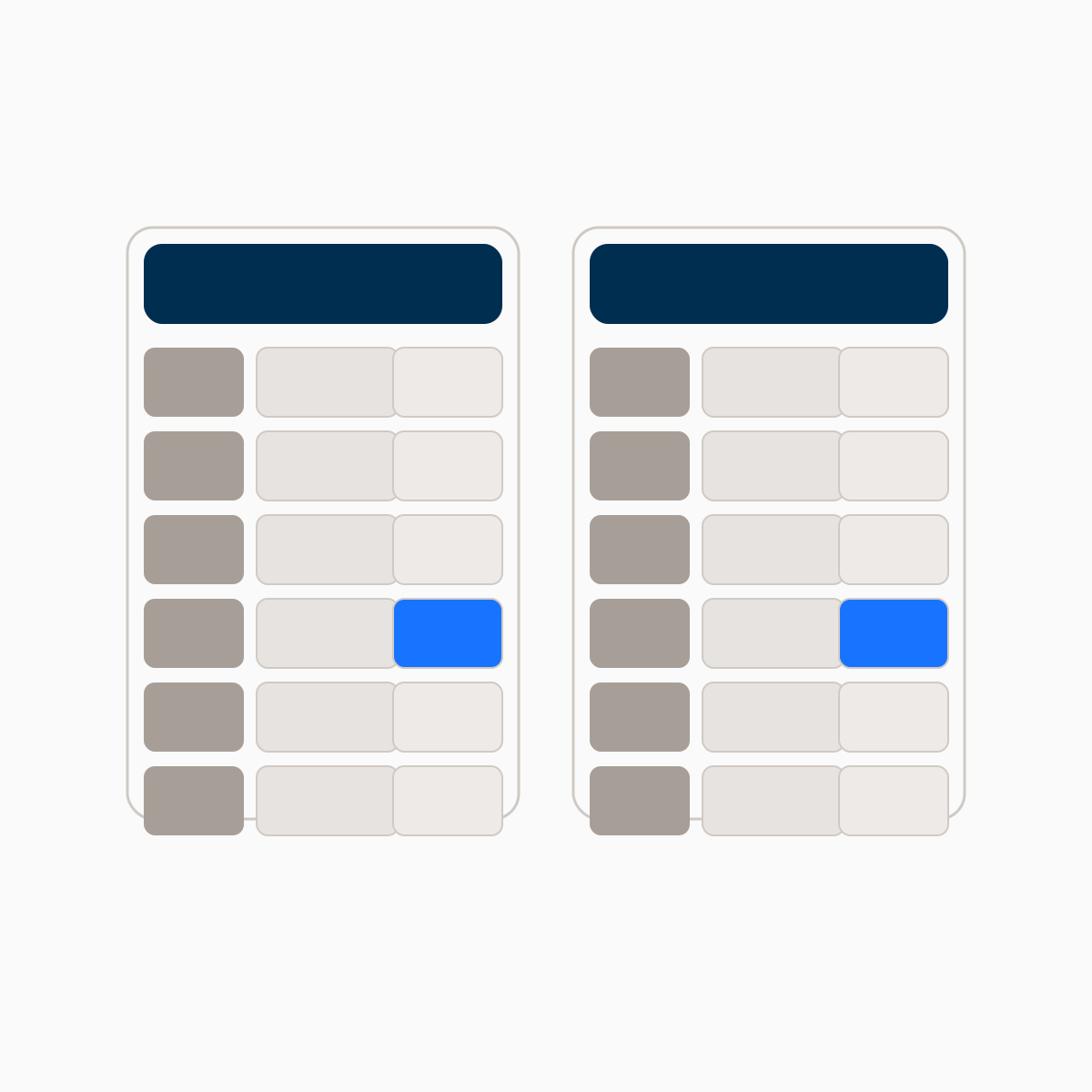
Every vendor responds to the same structured sections. Score proposals against weighted criteria and see strengths and gaps at a glance. No more guessing.
See a finished evaluation→Expertise built into every step
The knowledge of a seasoned consultant,
without the retainer
Surfaces the requirements you haven't considered and the SLA benchmarks you didn't know existed. AI-powered drafting, vendor response collection, and Q&A management in one workspace.
Technology Integration
Question from buyer:
Describe your experience integrating with Kustomer or similar customer support platforms. Include specific examples of API integrations, data migration processes, and timeline for full platform integration.
We have extensive experience with Kustomer, having completed 12+ enterprise integrations over the past 3 years. Our typical integration timeline is 10-14 business days, including:
- API connection setup and testing (Days 1-3)
- Historical data migration and validation (Days 4-8)
- Custom workflow configuration (Days 9-12)
- Parallel operation testing (Days 13-14)...
What the buyer is looking for
Must Include
- Platform integration experience
- Timeline estimate
- Data migration approach
- Testing methodology
Include specific metrics like integration uptime % and data accuracy rates to strengthen your response.
How it works
From description to decision in four steps
Short on time? Quick Mode gives you a complete RFP in seconds.
What you can already do for free — and what you can't
A chat model can help with the draft. Complivex gives the evaluation a system of record.
| ChatGPT or a template | Complivex | |
|---|---|---|
| Draft an RFP | Yes, and it'll be decent | Yes — tailored to your category |
| Category benchmarks and contract traps | If you know to ask | Surfaced as you go |
| Send it to vendors | You, by email | Structured portal, no vendor account |
| Keep responses comparable | Whatever format they send | Same questions, same format, every vendor |
| Handle vendor questions fairly | One thread at a time | Answer once, everyone sees it |
| Compare and score | Your spreadsheet | Weighted scorecard, side by side |
The draft isn't the hard part. Everything after it is.
Get a complete RFP in seconds
Skip the interview. Pick your category and get an editable RFP pre-filled with category-specific requirements, weighted evaluation criteria, and vendor questionnaire.
Free resources
Expert guides for smarter buying decisions
Written by practitioners, not marketers. Real costs, specific questions to ask vendors, and the trade-offs nobody talks about.
FAQ
Frequently asked questions
Complivex is an AI-powered RFP platform that handles the whole vendor selection lifecycle, from drafting through evaluation. Describe what you need to buy, and our AI runs a structured interview to produce a complete RFP. On paid plans, you can invite vendors to respond through a structured portal, manage Q&A, and compare submissions in one place.
Templates give you blank sections to fill in. Complivex interviews you about your specific situation, then generates tailored content, including pricing benchmarks, SLA expectations, and red flags specific to your category. Beyond drafting, it also handles vendor communication: invitations, a response portal, Q&A, and deadline management.
Once your RFP is ready, you invite vendors by email. Each one gets a unique link to a structured response portal. No account creation, no password. They can respond section-by-section with auto-save, track their progress, and ask questions through an anonymized Q&A hub. You set the deadline, and the system handles reminders and late submission tracking.
No. Vendors access the portal through a secure, unique link sent via email. There’s no sign-up, no password, no friction. They can start responding immediately. Their work auto-saves and stays confidential until they submit.
We cover 29 categories across software (CRM, HRIS, helpdesk, ERP, and more), professional services (marketing agencies, dev shops, PR firms), and BPO (customer support, IT outsourcing). Each category has its own buying guide, RFP template, and vendor evaluation checklist with category-specific benchmarks.
Yes. You can create an RFP, run the AI interview, get expert insights, and preview the full document at no cost. No credit card required. You can even export a watermarked PDF for free. When you’re ready to send it to vendors, invite reviewers, and get clean exports, plans start at $99 per RFP.
About 10 minutes from a one-sentence description to a draft you can edit. The AI interview is the bulk of that; editing, inviting vendors, and exporting are available immediately after, and you can take as long as you like over them.
Yes, on Basic and Professional plans. You can invite stakeholders via a shareable link. They can leave comments on specific sections, and you can resolve feedback directly in the editor, with no email chains or version-control headaches.
Vendors can ask questions about any section of the RFP. Questions are anonymized, so other vendors can’t see who asked what. When you answer, the response is shared with all invited vendors simultaneously, keeping the process fair and transparent.
Have a vendor decision coming up?
Describe it in a sentence. You'll have a draft in about ten minutes, and you won't pay anything until you're ready to send it to vendors.